
Getting Started
Dashboard tour
A guided look at the Overview page and main navigation.
Once you're past the quickstart checklist, the Overview page (your dashboard home) becomes the jumping-off point for everything else.
app.peleka.io
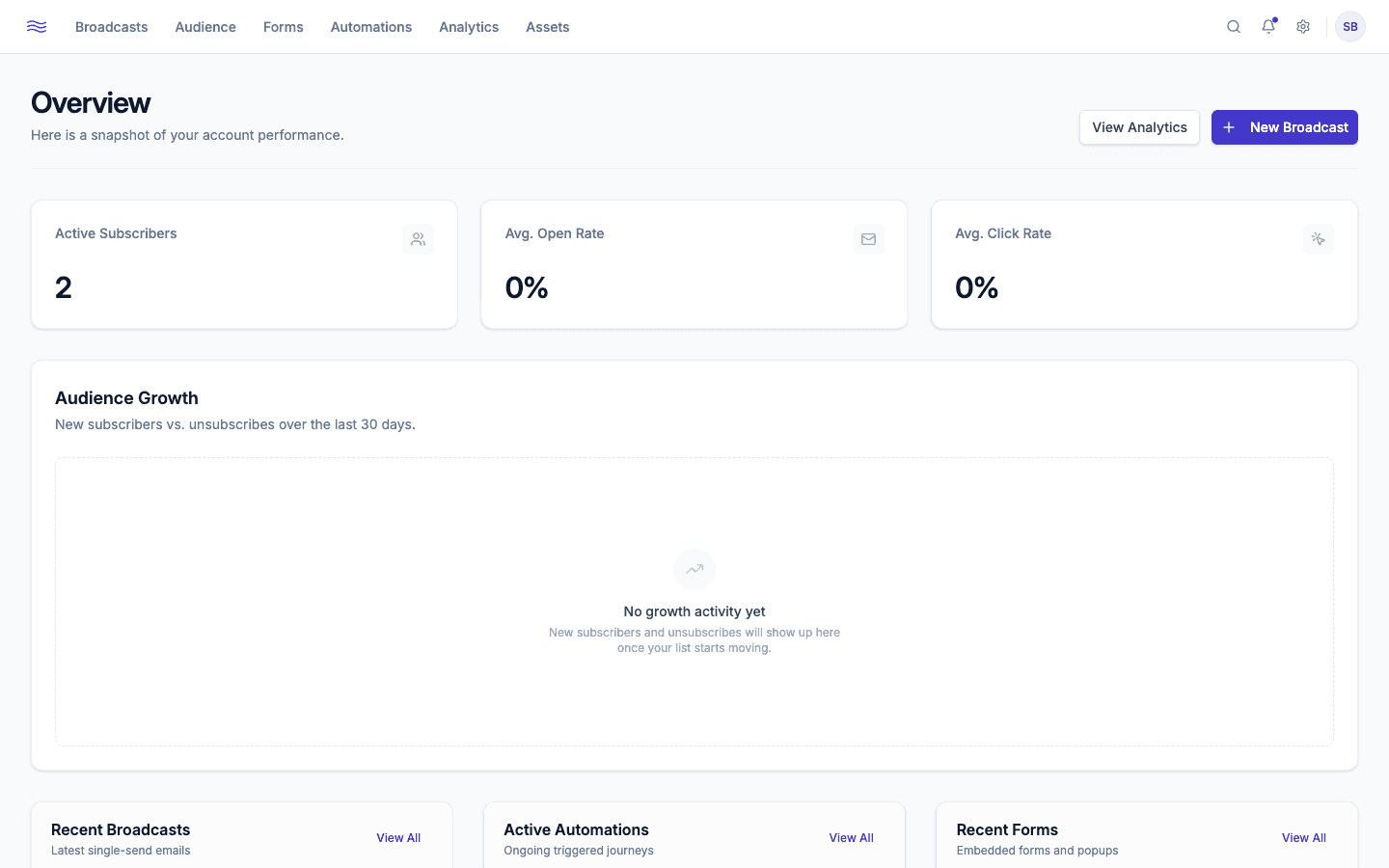
Main navigation
| Section | What lives there |
|---|---|
| Overview | Your dashboard home: top-line stats and recent activity |
| Broadcasts | Campaigns you've sent or drafted, plus the Templates gallery |
| Audience | Contacts, Segments, Tags, Suppressed, and custom Fields |
| Automation | Your journeys/flows, active and draft |
| Forms | Popups, embeds, landing pages, sticky bars, and slide-ins |
| Analytics | Overview, Broadcasts, Audience, Automation, and Forms reports |
| Assets | Your image library for use in emails and forms |
| Settings | Account, Team, Domains, Senders, Integrations, Compliance, Brand, Billing, and more |
What's on the Overview page
- Three stat cards: Active Subscribers, Avg. Open Rate, Avg. Click Rate.
- An Audience Growth chart: new subscribers vs. unsubscribes over the last 30 days.
- Three recent activity tables (Recent Broadcasts, Active Automations, and Recent Forms), each with a "View All" link into the full section.
- A New Broadcast button in the header, which jumps straight into the broadcast template picker.
Role-based access
What you can click is shaped by your role in the workspace (Owner, Admin, Editor, Member, or Viewer). If a button looks disabled, check Team roles & permissions: you may need a teammate to send, publish, or activate on your behalf.