
Asset library
Manage the images used across your broadcasts, automations, and forms.
Assets is your image library: upload once, reuse everywhere an Image block appears in the email or form builder.
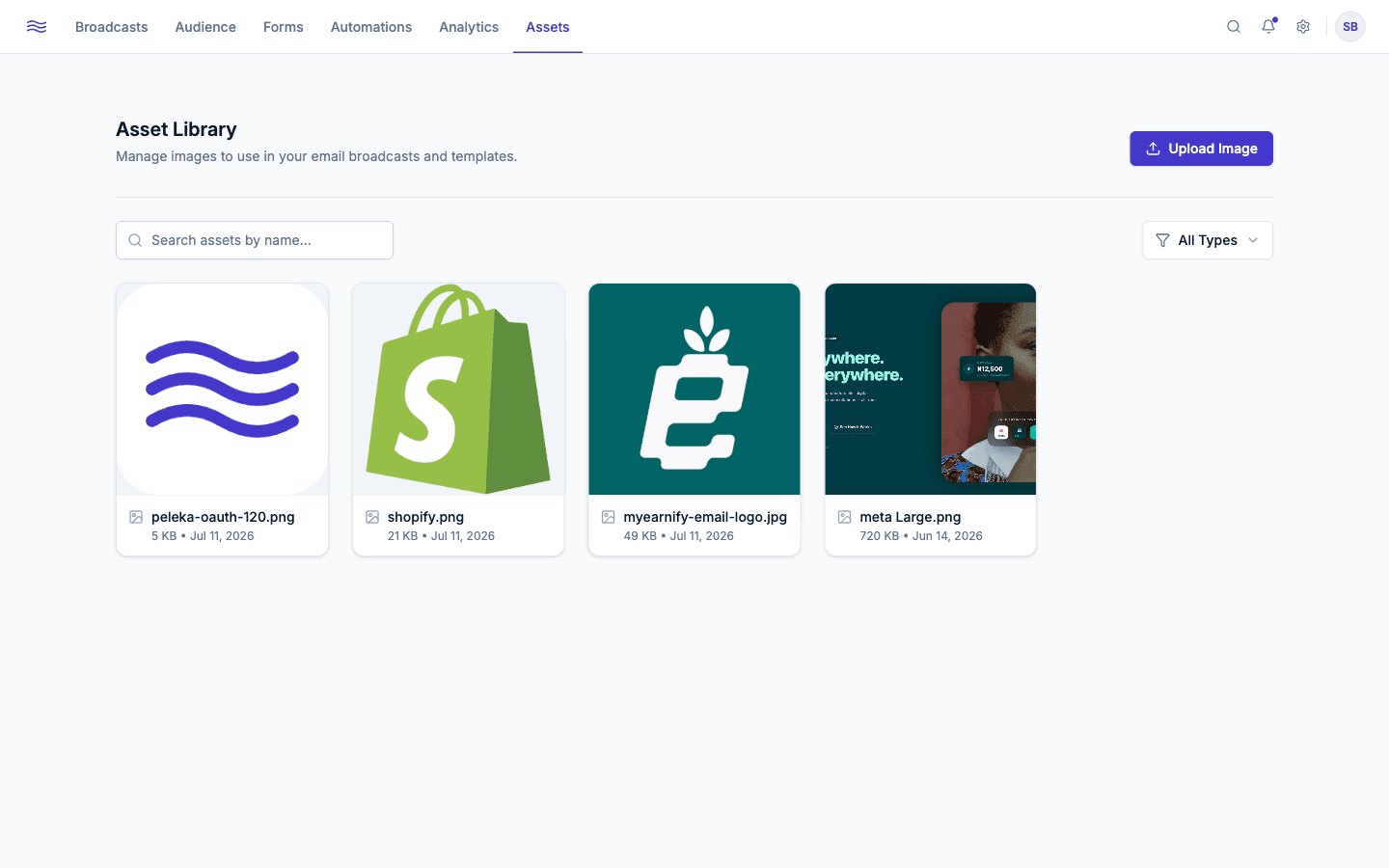
Uploading
Click Upload Image and choose a JPEG, PNG, GIF, or WEBP file. Uploaded assets show up in a searchable grid, filterable by type (All Types / JPEG / PNG).
Deleting an asset safely
Before an asset is deleted, Peleka checks whether it's currently in use and warns you if so, listing every broadcast, automation, or form that references it. The warning is more serious if any of those are live (sent, active, or scheduled): deleting the image would leave a broken image for real recipients. If nothing currently in use references it, deletion is immediate.
Check the usage list before deleting
A red banner means at least one live send or form depends on this image. Swap it out there first if you don't want broken images in recipients' inboxes.