
Automations overview
What automations (journeys) are, and the node types you build them from.
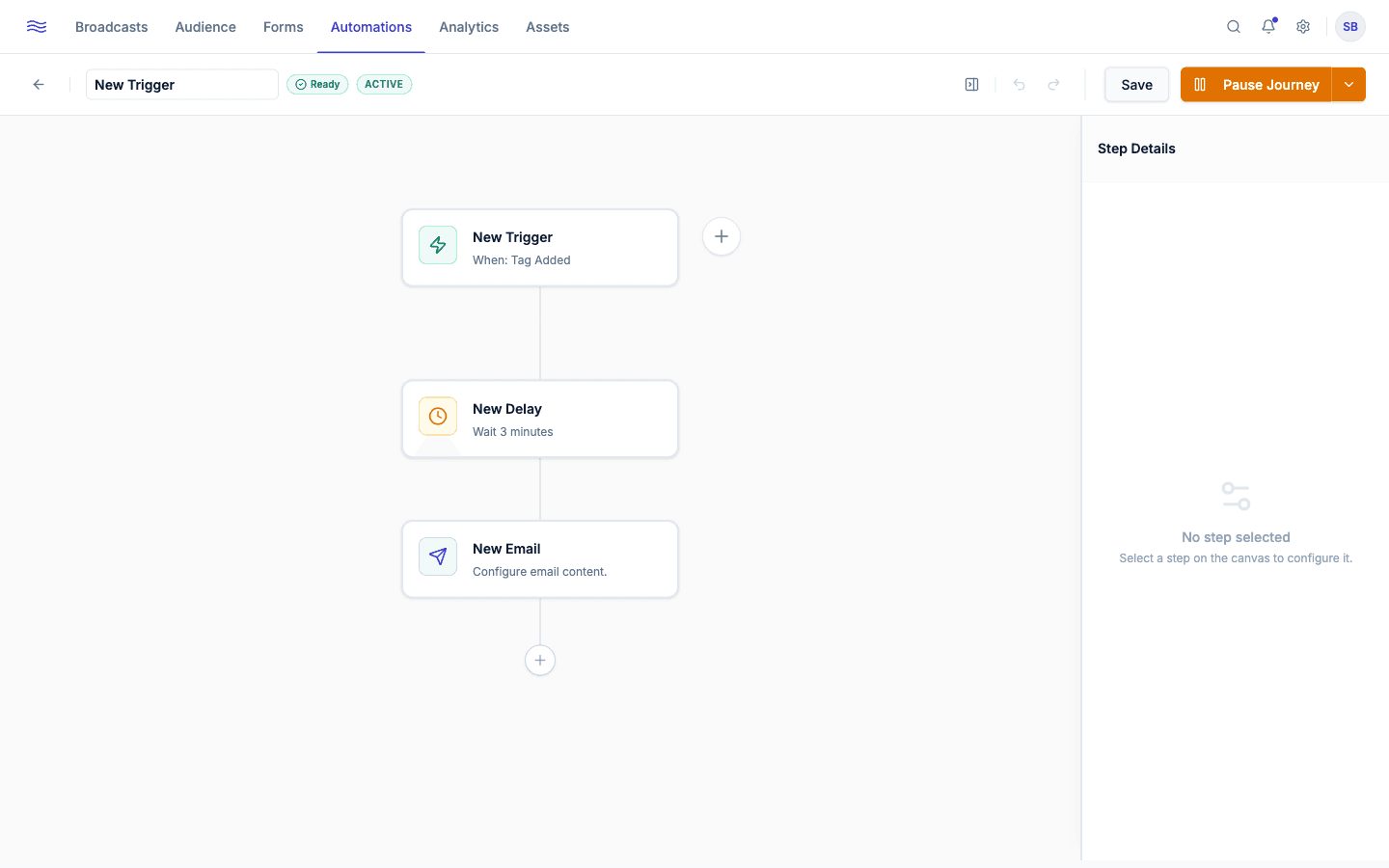
An automation (Peleka calls the individual instance a journey) is a multi-step, trigger-based sequence: a welcome series, an abandoned cart recovery flow, a win-back campaign, or anything else you can build on the canvas. Automations live under the Automation tab.
The Automations list
Table tabs: All / Active / Paused / Draft. Each row shows the automation's name, status, its trigger in plain language (e.g. "New Subscriber," "Made a Purchase," "Abandoned Cart"), and progress (contacts enrolled vs. completed). The row menu offers View Report, Edit Journey, Pause/Activate, Duplicate (always saves as a new draft), and Delete. Deleting immediately removes any contacts currently mid-journey.
Automation statuses
- Draft: being built, not enrolling anyone yet.
- Active: live and enrolling contacts as their trigger fires.
- Paused: built and previously active, but temporarily stopped. Contacts already inside stay where they are until you resume.
Starting a new journey
Click Create Journey to choose a pre-built template, grouped by category (General, Onboarding, E-commerce, Retention) and each showing its step count, or start from a blank canvas.
Desktop only
The journey canvas requires a larger screen. On mobile you'll see a "Desktop Required" message instead of the builder.