
Broadcasts
Broadcast analytics
Reading the report for a single broadcast.
Open any Sent, Partial, or Failed broadcast to see its report. If it hasn't sent yet, you'll see a placeholder instead: analytics only populate after a send.
app.peleka.io
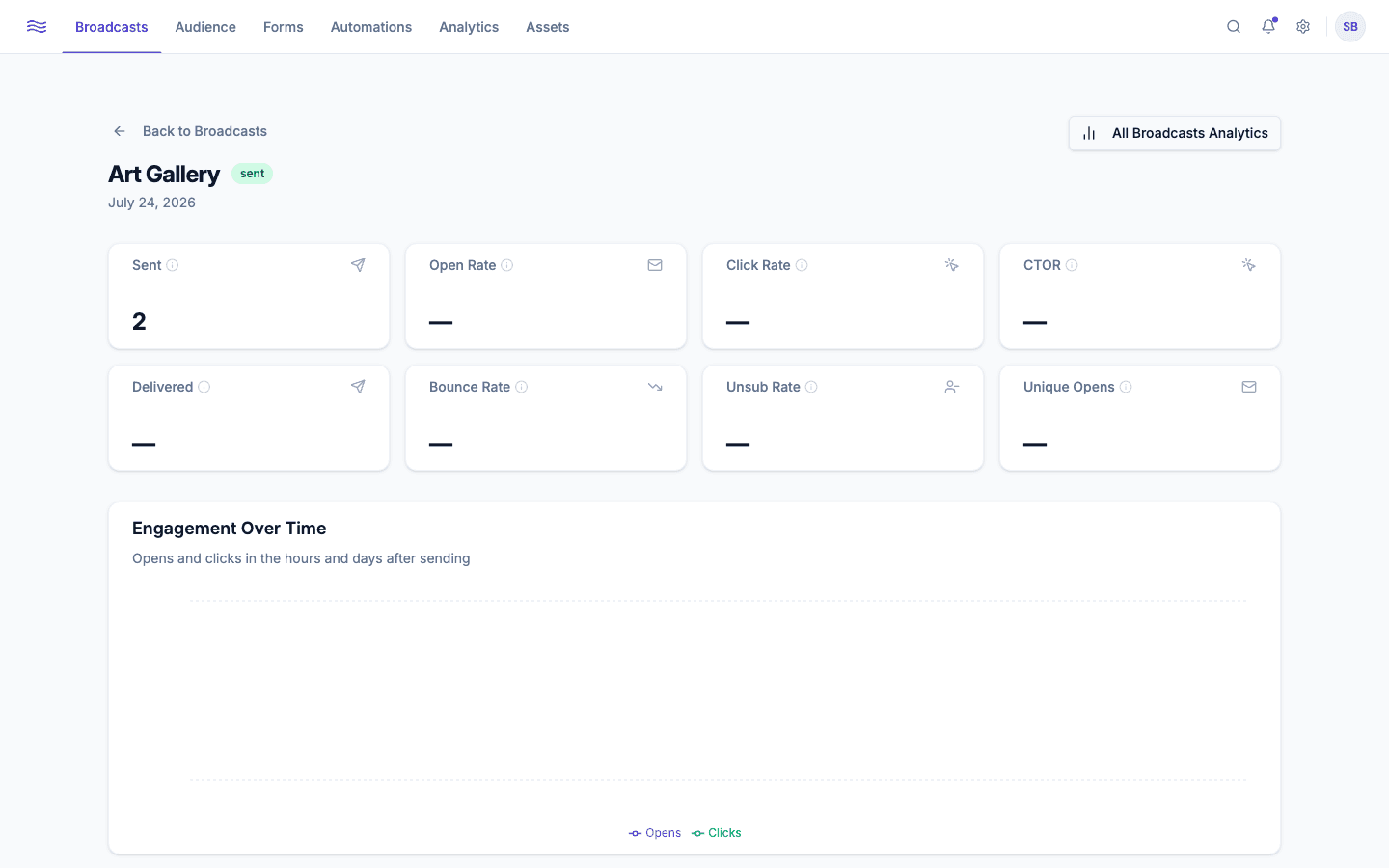
Stat cards
| Metric | What it means |
|---|---|
| Sent | Total recipients the send was attempted to |
| Open Rate | % who opened at least once (inflated for Apple Mail users by Apple Mail Privacy Protection) |
| Click Rate | % who clicked at least one link |
| CTOR (click-to-open rate) | % of openers who also clicked, a better read on content relevance than click rate alone |
| Delivered | % that didn't bounce |
| Bounce Rate | Hard bounce rate specifically |
| Unsub Rate | % who unsubscribed from this send |
| Unique Opens | Distinct people who opened (vs. total open events) |
Charts
- Engagement Over Time: opens vs. clicks, plotted by hours since send. Useful for spotting whether a second wave (e.g. after a resend to non-openers) actually changed the outcome.
- Delivery Funnel: Sent → Delivered → Opened → Clicked, so you can see exactly where the drop-off happens.
- Clicks by Device: desktop vs. mobile vs. tablet.
- Top Links: every link in the email, ranked by clicks.
If a broadcast failed or partially failed, a banner at the top explains why (e.g. a high bounce rate) before the stats.
Where this fits into the bigger picture
A single broadcast's report is the zoomed-in view. For trends across every broadcast you've ever sent (best days/times to send, revenue attribution, unsubscribe trends), see Analytics, specifically the Broadcasts tab, linked directly from the "All Broadcasts Analytics" button at the bottom of every report.