
Forms & Landing Pages
Form submissions
Where responses land, and how to read a form's performance.
Open View Submissions on any form to see two tabs: Submissions and Analytics.
app.peleka.io
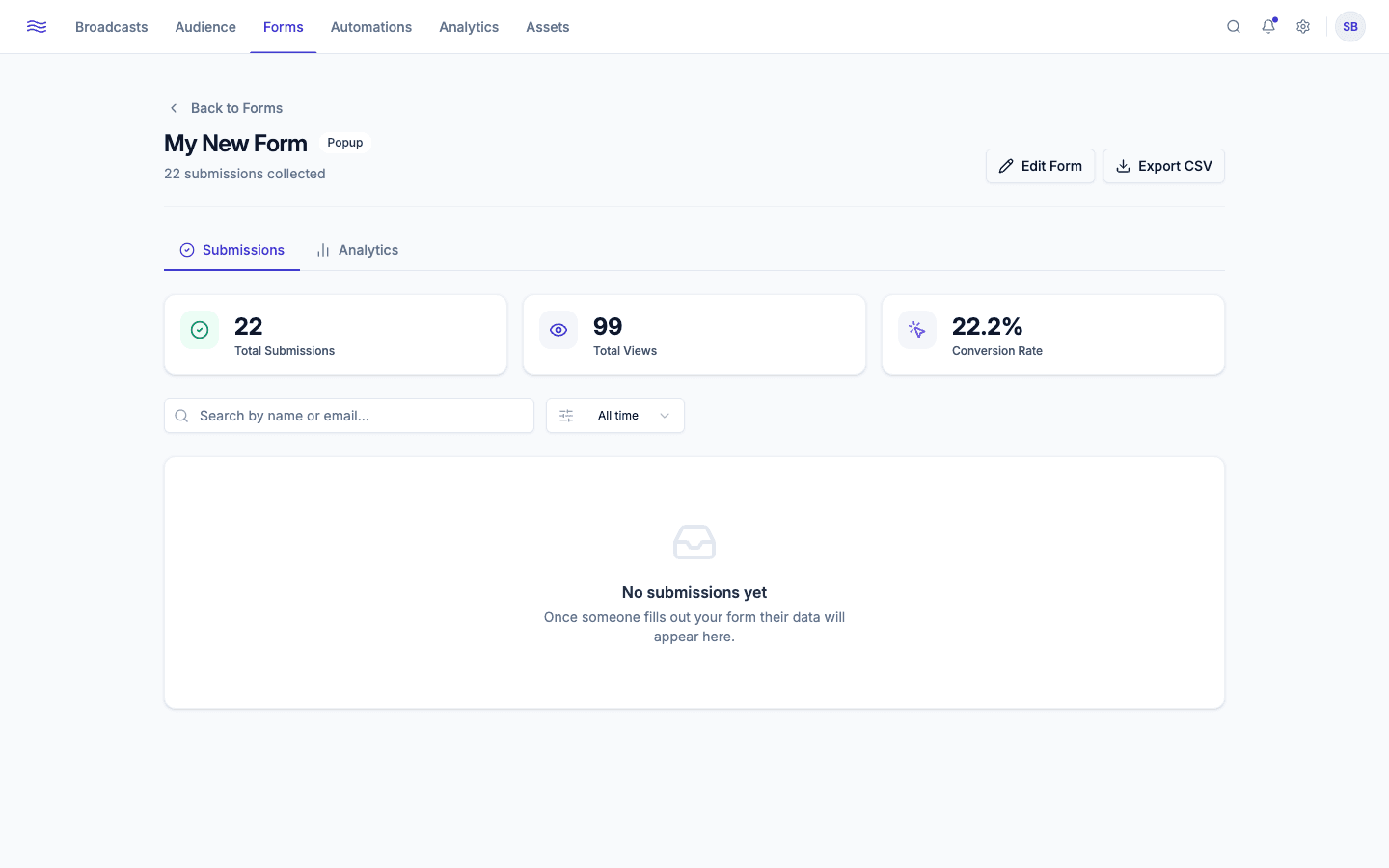
Submissions tab
A searchable, date-filterable table of every response. Click a row to open its details in a drawer, or delete it if needed.
What happens behind the scenes on submit
- Any Consent field must be checked, or the submission is rejected outright, regardless of whether that field was separately marked required.
- Email, first name, and last name are read from the submission and matched to an existing contact or used to create a new one (a previously deleted contact is restored rather than duplicated).
- If no email was collected, the submission is still recorded for analytics, but no contact is created from it.
- If the contact was previously
unsubscribed,bounced, orcomplained, resubmitting the form does not overwrite their name fields. Peleka assumes the existing record is more trustworthy. - A consent record is written, a
form_submittedevent is logged on the contact's timeline, and, if the form specifies one, the contact is added to the linked segment.
Analytics tab
Views, submissions, conversion rate, a submissions-over-time chart, field completion rates, traffic sources, and a device breakdown (mobile/tablet/desktop, inferred from the visitor's user agent).
Use this to spot low-converting forms early: a form with high views but low submissions is usually a sign the field list is too long, or the ask (discount code, newsletter, etc.) doesn't match what's being offered.